 SmashKit
 Free
Free
Hammer
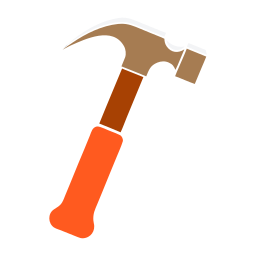
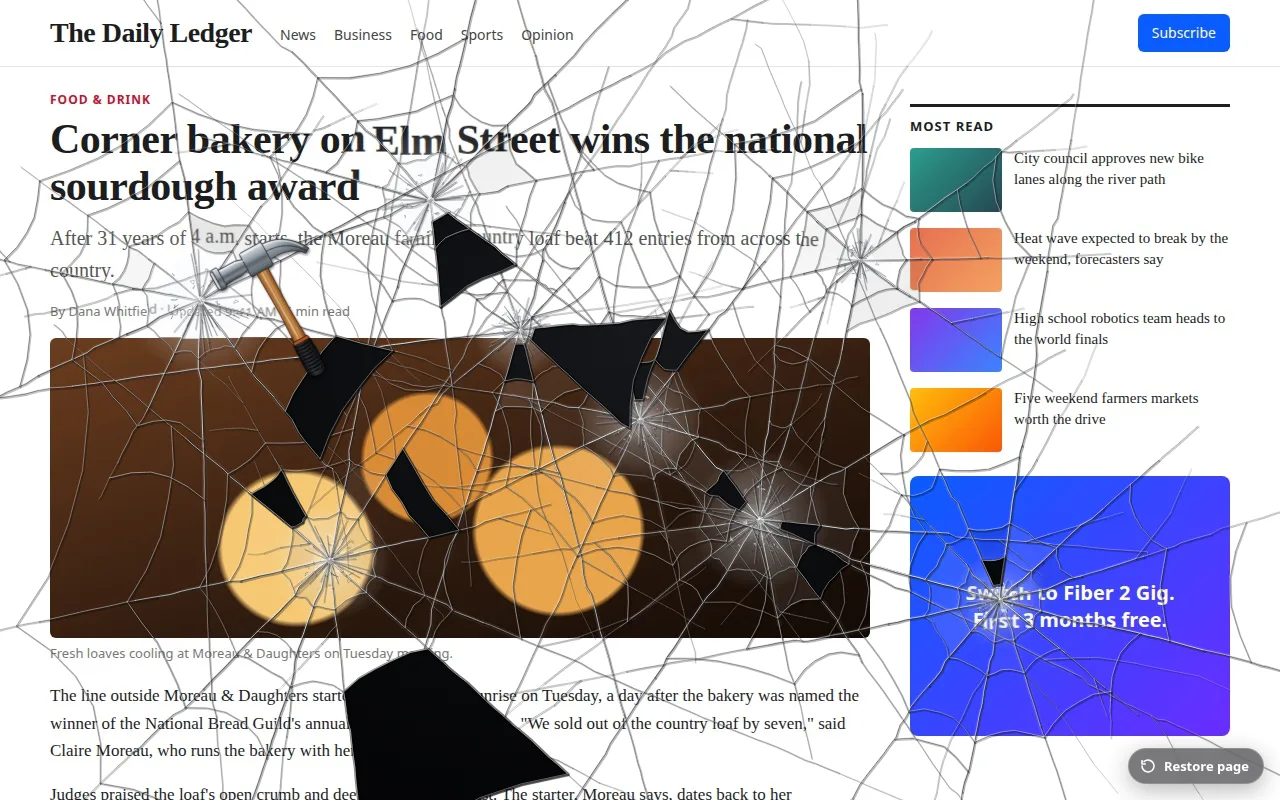
Every click cracks the glass with a smash. After a few hits, pieces of the page break away and fall, until the whole screen collapses.
Chrome extension
SmashKit is a prank extension for Chrome. Click it on any website and the tab freezes under a snapshot of itself. Then crack it with a hammer, saw it apart, shoot holes in it, bruise the faces in it, fake a broken monitor or play Snake over it, all with recorded sound. One click on Restore page puts everything back.
Placeholder: the Chrome Web Store listing is not live yet. This button will link to it once it is.
Hammer and Snake are free forever. Saw, Gun, Boxing and LCD Punch are one-time purchases, or get all four in the Bundle.
Free
Every click cracks the glass with a smash. After a few hits, pieces of the page break away and fall, until the whole screen collapses.
 Free
Free
Classic Snake on top of the page. Steer with the arrow keys or WASD to apples spawned over the content. Score, best score and a black-and-white classic mode.
 $0.99
$0.99
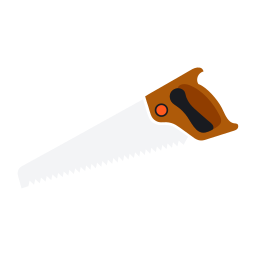
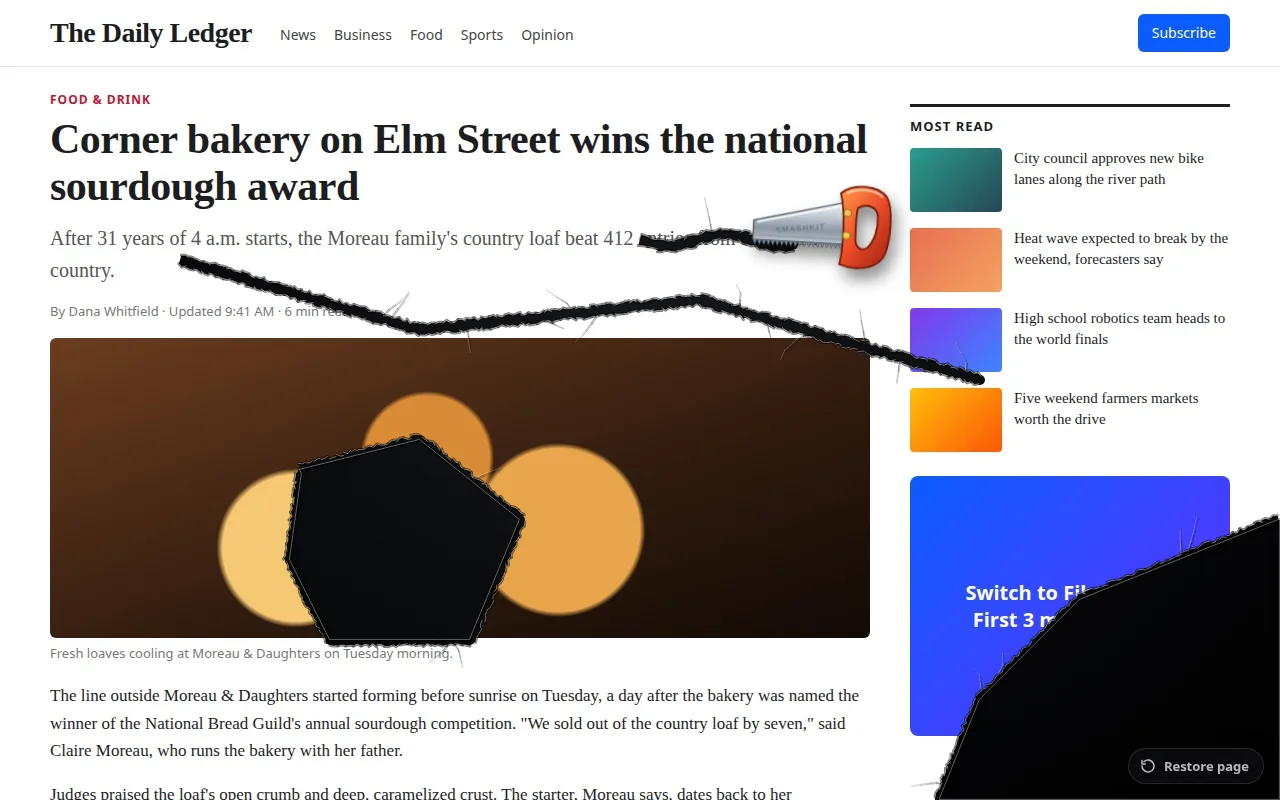
Hold and drag to cut a ragged line through the page. Saw from edge to edge, or draw a loop, and that piece rips out and drops.
 $0.99
$0.99
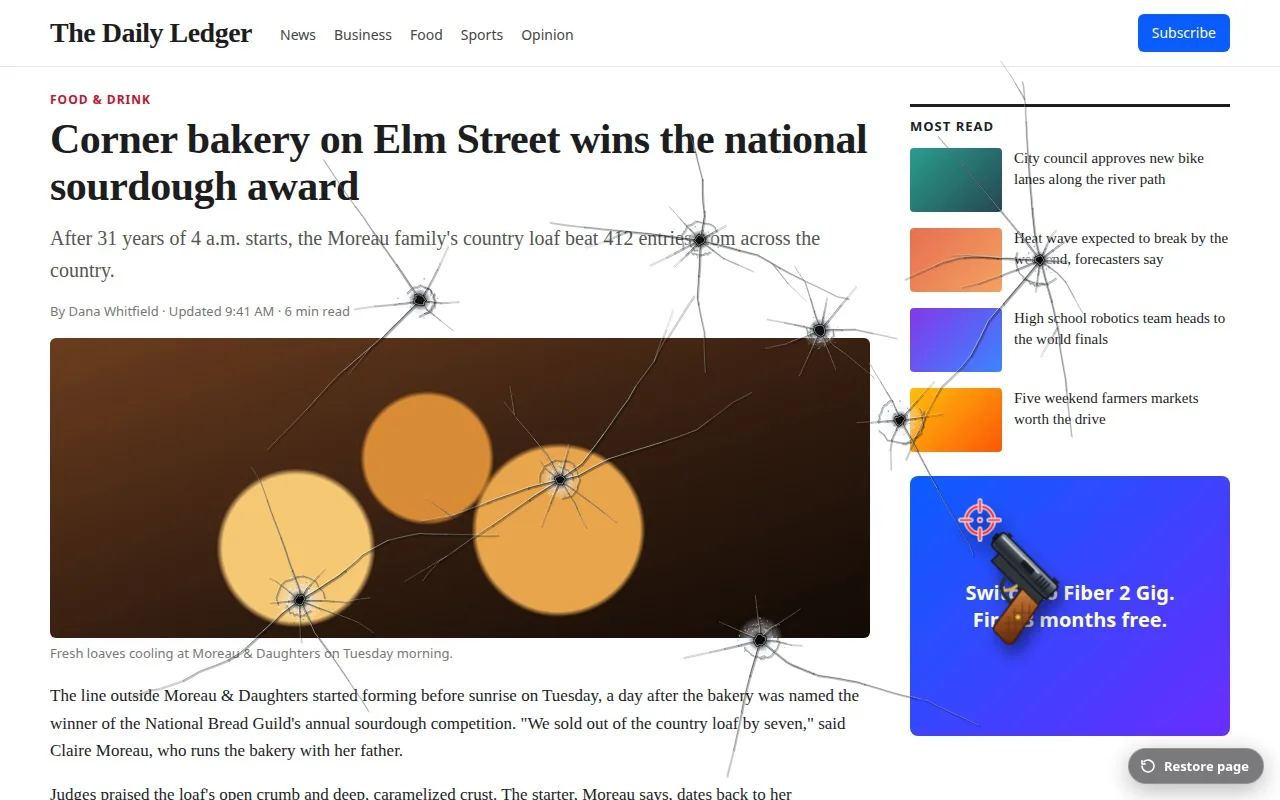
Click to fire. Each shot leaves a bullet hole with a frosted crush ring and radial cracks, with muzzle flash, recoil and ejected brass.
 $0.99
$0.99
Two gloves that jab left and right. Punches leave bruises that hug faces in photos; repeat hits on one spot turn into a black eye.
 $1.49
$1.49
One punch leaves a dead-panel blotch with liquid-crystal bleed and glitching lines. The glove then disappears, so it looks like a real broken screen.
Real captures from the extension on demo pages.
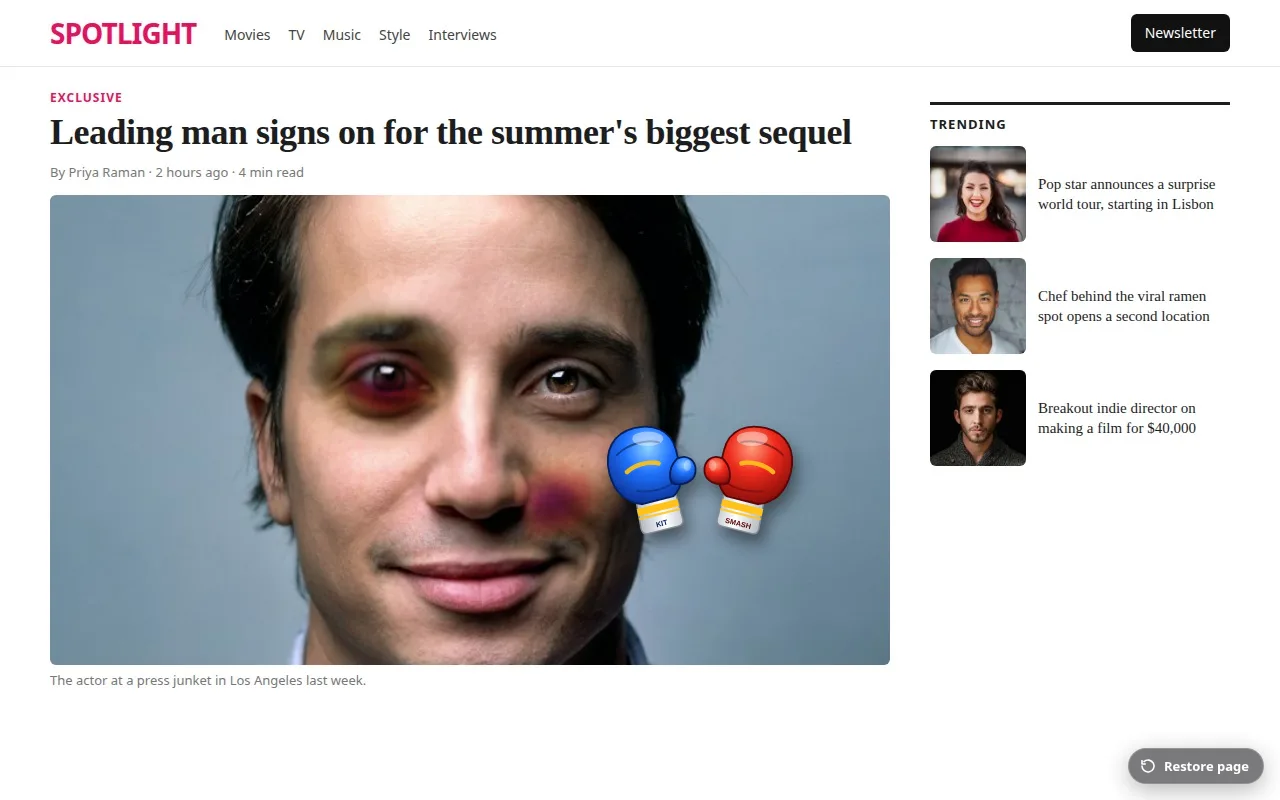
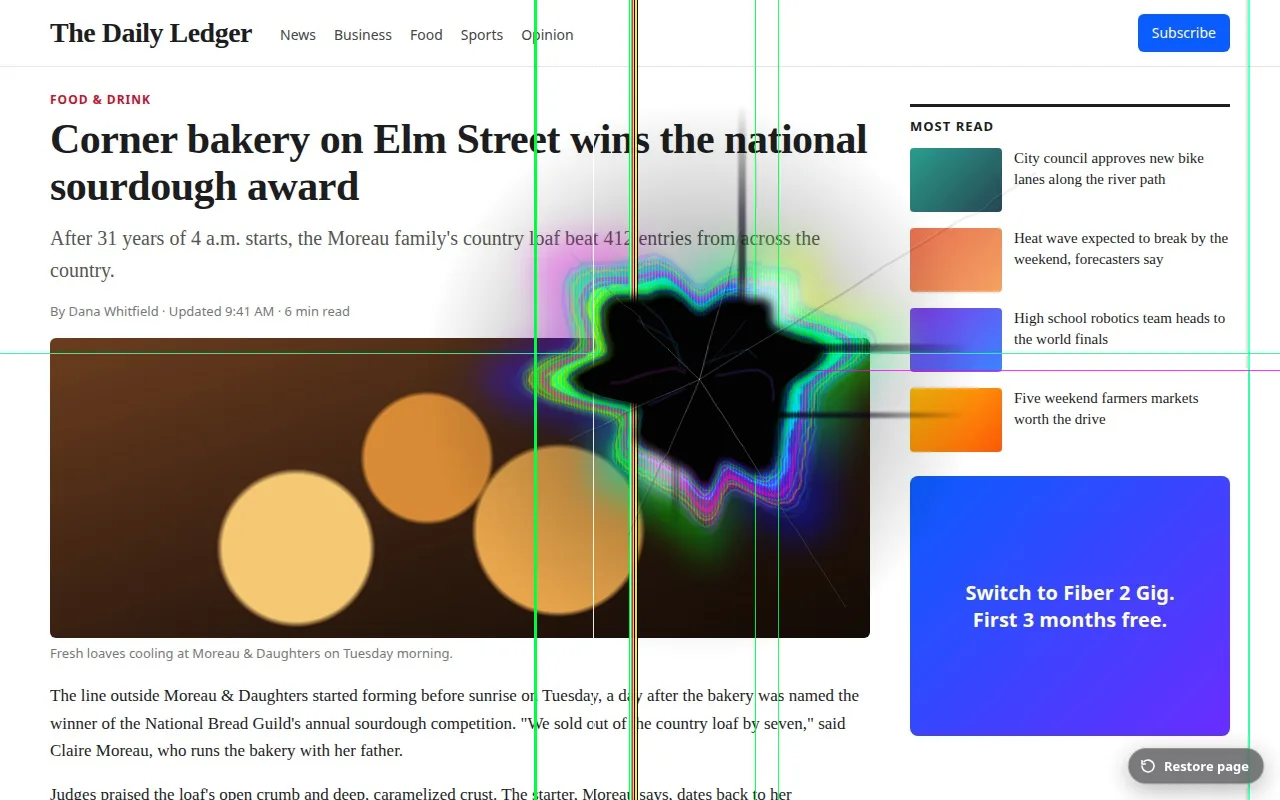
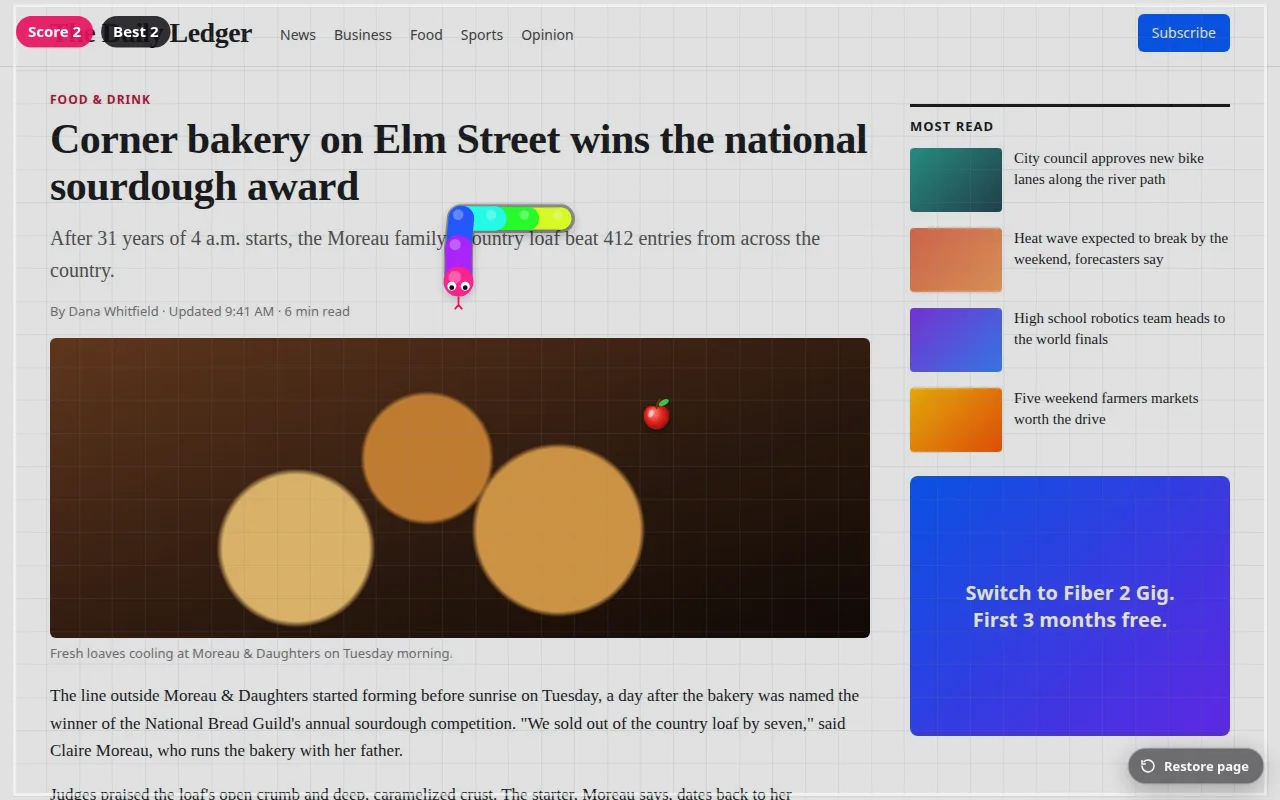
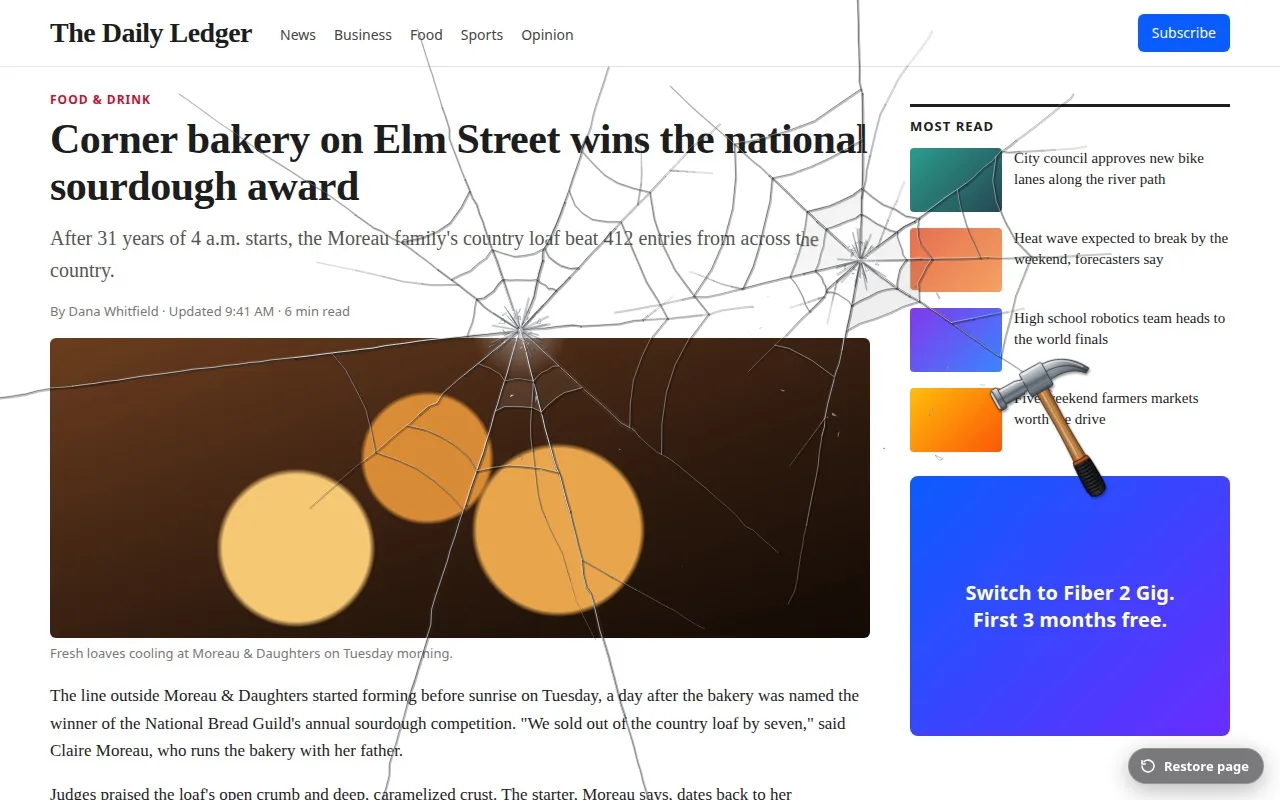
Nothing on the website changes. SmashKit draws on top of your own screen, and only you see it.
Open any regular website and click SmashKit in the Chrome toolbar. Pick a tool from the palette.
SmashKit takes a snapshot of the visible tab and lays it over the page, so every hit lands on the picture.
Click Restore page, or Exit tool mode in the palette, and the overlay disappears. The snapshot is thrown away.
One-time purchases in US dollars. No subscription, no account.
| Tool | Price |
|---|---|
| Hammer | Free |
| Snake | Free |
| Saw | $0.99 |
| Gun | $0.99 |
| Boxing | $0.99 |
| LCD Punch | $1.49 |
$4.99 one-time
Every paid tool in one purchase:
Buy from the SmashKit palette in Chrome. Checkout is run by Paddle, which adds sales tax or VAT where it applies. Refunds within 30 days: see the Refund Policy.
A purchase unlocks the tool in the Chrome profile you bought it from, straight after payment. If you reinstall SmashKit or move to another computer, email support@getsmashkit.com with your order number and we'll restore it.
No. It's a picture drawn over the tab. The site, your files and your screen are untouched, and nobody else sees it.
On regular http and https pages in desktop Chrome 116 or newer. Chrome doesn't let extensions draw on its own pages (chrome://, the Chrome Web Store), so SmashKit tells you there's nothing to smash there.
Almost nothing. The snapshot never leaves your browser. Buying a tool sends a random install ID and your order ID to our server. The Privacy Policy lists it all.
No. Each tool and the Bundle are paid once and stay unlocked.
Paddle.com, our online reseller and Merchant of Record. Your card details go to Paddle and never reach us.
Within 30 days of purchase, through the link in your Paddle receipt or by emailing support@getsmashkit.com.